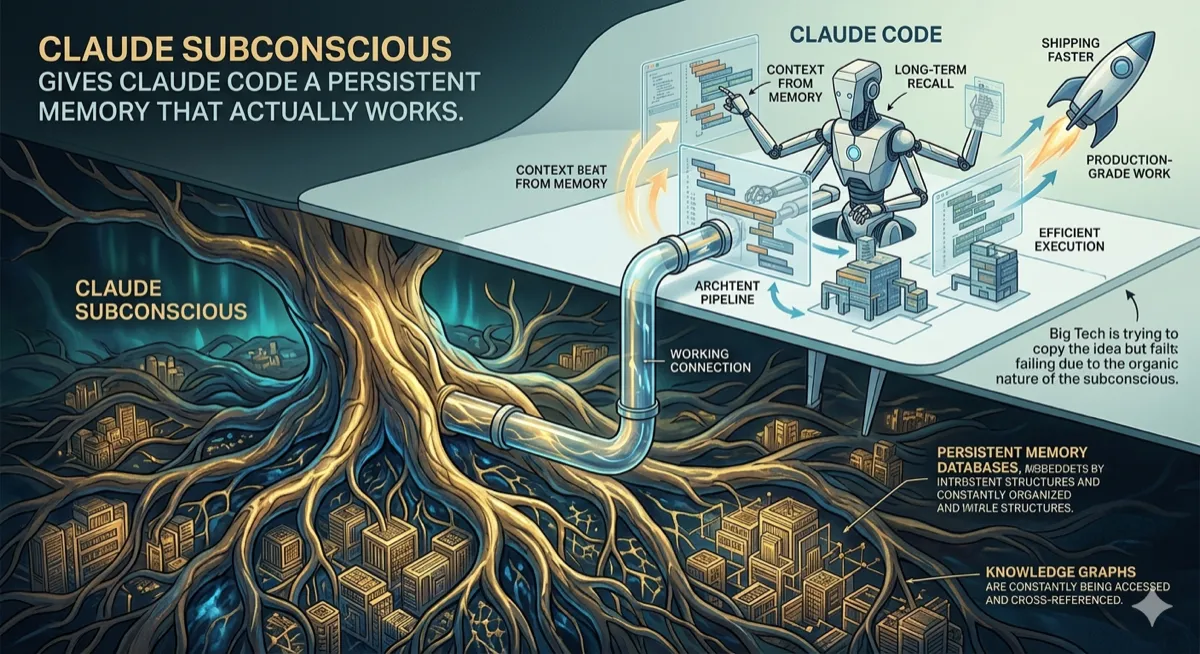
Anthropic’s agentic CLI reads your codebase, edits files, runs commands, and commits changes. No IDE plugin. No web UI. Just a terminal that understands what you’re building.
The IDE plugin problem
Every AI coding assistant ships as an IDE plugin. Copilot lives in VS Code. Cursor is its own fork of VS Code. Windsurf, Cody, Tabnine — all IDE plugins or IDE forks.
This creates three problems.
First, you’re locked into one editor. If you use Neovim, Emacs, IntelliJ, or switch between editors depending on the project, you either install the plugin everywhere or lose access to the AI.
Second, the plugin sandbox is limiting. IDE extensions run in a constrained environment. They can suggest code and maybe run a terminal command, but they can’t freely navigate the filesystem, spawn processes, manage git branches, or orchestrate multi-step workflows. The IDE wasn’t designed to hand over that much control.
Third, context is fragmented. The plugin sees the file you have open. Maybe a few related files. It doesn’t understand your entire codebase, your git history, your deployment scripts, or how your CI pipeline works. It’s smart about the code in front of it and blind to everything else.
Claude Code takes a different approach. It runs in the terminal. It has full filesystem access. It can read any file, edit any file, run any command, and chain operations together. The context isn’t one file — it’s the entire project.
# Install and start
npm install -g @anthropic-ai/claude-code
claude

# That's it. You're in an agentic coding session.
No VS Code required. No IDE at all, if you don’t want one.
What “agentic” actually means here
The word “agentic” gets thrown around loosely. Here’s what it means in Claude Code’s context.
Traditional autocomplete: you type, the AI suggests the next few tokens, you accept or reject.
Chat-based assistants: you ask a question, the AI responds with code, you copy-paste it into your editor.
Agentic coding: you describe what you want, the AI reads relevant files, makes a plan, edits the code directly, runs tests to verify, and iterates until the task is done.
The difference isn’t just speed. It’s that the human stops being the execution layer. You’re not copying code from a chat window into your editor. You’re not manually running tests after each change. The agent handles the mechanical parts while you focus on direction.
You: "Add input validation to the signup form. Email should be valid format,
     password minimum 8 characters with at least one number."

Claude Code:
  → Reads src/components/SignupForm.tsx
  → Reads src/utils/validation.ts (finds existing validators)
  → Edits SignupForm.tsx to add validation logic
  → Edits validation.ts to add new validators
  → Runs npm test
  → Sees one test failing
  → Reads the failing test
  → Fixes the validation logic
  → Runs npm test again
  → All tests pass
  → "Done. Added email format validation and password requirements.
     Updated 2 files, all tests passing."
That’s one prompt from the human. Seven tool invocations from the agent. The human didn’t touch the keyboard between the request and the result.
The tool system
Claude Code’s power comes from its tools. These aren’t plugins — they’re built-in capabilities that the agent can invoke during a task.
| Tool | What it does |
|---|---|
| Read | Reads file contents, including images and PDFs |
| Edit | Modifies specific lines in a file (surgical edits, not full rewrites) |
| Write | Creates new files |
| Bash | Executes shell commands |
| Glob | Finds files by pattern |
| Grep | Searches file contents |
| Agent | Spawns sub-agents for parallel or specialized tasks |
| WebFetch | Retrieves content from URLs |
The agent decides which tools to use based on the task. Ask it to “find all usages of the deprecated API” and it’ll Grep. Ask it to “refactor this function” and it’ll Read, Edit, and potentially run tests via Bash.
The tools are designed for composition. A single task might involve:
- Glob to find all TypeScript files in a directory
- Grep to find files containing a specific pattern
- Read to understand the code structure
- Edit to make changes across multiple files
- Bash to run the test suite
- Edit again to fix any failures
This happens automatically. The agent chains tools until the task is complete or it needs clarification.
Context that actually scales
IDE plugins hit context limits fast. Open a large codebase and the AI can only see fragments — the current file, maybe some imports, whatever fits in the context window.
Claude Code handles this differently. It starts with your project structure and git status, then reads files on demand. Need to understand a module? It reads the entry point, traces dependencies, and builds understanding incrementally. Need to make a change that touches 20 files? It reads each one as needed.
The Agent tool enables parallel exploration. Instead of sequentially reading files, Claude Code can spawn sub-agents that explore different parts of the codebase simultaneously:
You: "Explain how authentication works in this codebase"

Claude Code:
  → Spawns Agent to explore auth-related routes
  → Spawns Agent to explore middleware
  → Spawns Agent to explore database models
  → Synthesizes findings from all three
  → Returns a coherent explanation with file references
For large codebases, this parallelization is the difference between a 30-second wait and a 5-minute wait.
The CLAUDE.md convention adds persistent context. Drop a CLAUDE.md file in your project root with architecture notes, conventions, and common pitfalls. Claude Code reads it automatically at session start. Think of it as a briefing document that brings the agent up to speed on project-specific knowledge.
# CLAUDE.md example

## Architecture
- Monorepo with apps/ and packages/
- apps/web is Next.js 14 with App Router
- packages/db uses Drizzle ORM with PostgreSQL

## Conventions
- Use server actions for mutations, not API routes
- All components in src/components/ are client components
- Tests go in __tests__/ directories, not alongside source files

## Common pitfalls
- The auth middleware runs before the database middleware
- Don't import from @/packages directly, use the package names
The agent respects these instructions throughout the session.
Permission model
An AI that can edit any file and run any command is powerful. It’s also dangerous if misconfigured.
Claude Code implements a tiered permission system:
| Mode | File edits | Shell commands | Behavior |
|---|---|---|---|
| Ask | Prompt before each | Prompt before each | Maximum control |
| Auto-edit | Allowed | Prompt before each | Good for refactoring |
| Full auto | Allowed | Allowed (with allowlist) | For trusted workflows |
The default is Ask mode. Every file edit and command execution shows you exactly what will happen and waits for approval. You see the diff before it’s applied. You see the command before it runs.
For repetitive workflows, you can allowlist specific patterns:
{
  "permissions": {
    "allow": [
      "Edit(**/*.ts)",
      "Edit(**/*.tsx)",
      "Bash(npm test)",
      "Bash(npm run lint)"
    ]
  }
}
This allows TypeScript edits and running tests without prompts, while still requiring approval for anything else.
The sandbox defaults are conservative. Bash commands that could be destructive (rm -rf, git push —force) always prompt. Network access is explicit. The agent won’t reach out to external services without your knowledge.
The slash command system
Claude Code includes built-in workflows triggered by slash commands:
| Command | What it does |
|---|---|
| /init | Creates a CLAUDE.md for the current project |
| /compact | Compresses conversation history to free up context |
| /review | Reviews staged changes and suggests improvements |
| /commit | Creates a commit with an AI-generated message |
| /pr | Opens a pull request with summary and test plan |
These aren’t just shortcuts. They’re opinionated workflows that encode best practices.
/commit doesn’t just generate a message. It reads the diff, understands the changes semantically, writes a message that explains the “why” not just the “what,” and includes proper formatting. It follows the conventions in your repository if you have them documented.
/pr is more involved. It analyzes all commits since the branch diverged, generates a summary, writes a test plan checklist, and creates the PR via the GitHub CLI. One command replaces ten minutes of PR housekeeping.
/pr

# Output:
# Created PR #142: "Add input validation to signup form"
#
# Summary:
# - Added email format validation using regex
# - Added password strength requirements (8+ chars, 1+ number)
# - Updated existing tests and added new validation tests
#
# Test plan:
# - [ ] Test valid email addresses are accepted
# - [ ] Test invalid email addresses show error
# - [ ] Test password requirements are enforced
# - [ ] Test existing signup flow still works
Custom commands can be added via skills files in .claude/skills/.
MCP: Connecting to everything else
Model Context Protocol (MCP) is how Claude Code talks to external systems. It’s a standard interface for connecting AI agents to tools, databases, and services.
Out of the box, Claude Code supports MCP servers for:
- GitHub (issues, PRs, code search)
- GitLab
- Slack
- Linear
- Notion
- PostgreSQL
- Custom REST APIs
Connect Claude Code to your GitHub and it can read issues, understand PR discussions, and reference code reviews when making changes. Connect it to Linear and it can update ticket status as it completes tasks.
{
  "mcpServers": {
    "github": {
      "command": "mcp-server-github",
      "env": {
        "GITHUB_TOKEN": "${GITHUB_TOKEN}"
      }
    },
    "postgres": {
      "command": "mcp-server-postgres",
      "env": {
        "DATABASE_URL": "${DATABASE_URL}"
      }
    }
  }
}
MCP turns Claude Code from a code editor into a development environment that understands your entire workflow — tickets, documentation, databases, and deployment.
What it’s bad at
Honest assessment time.
Long files are challenging. Claude Code handles large codebases well because it reads files on demand. But individual files over ~1000 lines cause problems. The agent might miss context in a long file, make edits that break something further down, or struggle to maintain coherence across a massive function. If your codebase has god files, break them up before asking Claude Code to work on them.
Generated code can be over-engineered. Ask for a simple feature and sometimes you’ll get enterprise architecture. The agent tends toward comprehensive solutions when a simple one would suffice. You’ll occasionally need to push back: “Simpler. Just do X, no abstraction layer.”
It hallucinates APIs. Especially for newer libraries or uncommon packages. The agent might write code that uses methods that don’t exist, or parameters that aren’t valid. Running tests catches this, but you should review generated code that touches libraries you’re not familiar with.
Complex refactors need babysitting. A small, well-defined refactor (rename this function, extract this component) works reliably. A large architectural change (migrate from Redux to Zustand across the codebase) requires breaking the task into pieces and reviewing intermediate results. The agent can lose track of the big picture on multi-hour changes.
Git operations require caution. Claude Code can commit, push, and manage branches. But you should review what it’s doing. The permission system helps, but a mistaken force-push is still a mistaken force-push. Keep destructive git operations in prompt-required mode.
Who’s actually using it
The pattern that’s emerged: Claude Code is most valuable for experienced developers who know exactly what they want but don’t want to type it all out.
“Add error handling to all API routes” — an experienced developer knows what good error handling looks like. They could write it themselves. But having the agent do it across 30 files in 2 minutes instead of 2 hours is a pure productivity win.
“Write tests for this module” — you know what should be tested. You could write the tests. But the boilerplate of setting up test files, writing assertions, mocking dependencies — that’s time you don’t need to spend.
The users who struggle are those hoping Claude Code will make architectural decisions for them. It won’t. It’s an executor, not an architect. You need to know what you want; it helps you get there faster.
Teams are using it for:
- Codebase migrations (TypeScript strict mode, dependency upgrades)
- Test coverage expansion
- Documentation generation
- Code review preparation (clean up before opening PR)
- Boilerplate generation (new components, new routes, new tests)
- Bug investigation (reading logs, tracing code paths)
Pricing and access
Claude Code uses your Anthropic API key. You pay for tokens, not a subscription.
The agent is aggressive about context management. Long sessions get expensive. A complex 2-hour coding session might run $5-15 in API costs depending on how much file reading and iteration happens.
For comparison, Cursor Pro is $20/month. GitHub Copilot is $19/month. If you’re doing light usage, Claude Code costs less. If you’re doing heavy daily usage, the API costs add up.
The /compact command helps manage costs by compressing conversation history. Use it when you’ve been working for a while and want to reduce context size without losing important information.
The terminal-native bet
There’s a philosophical stance embedded in Claude Code’s design: the terminal is the right interface for agentic coding.
IDEs are visual. They’re built around the assumption that you need to see code, navigate with a mouse, and interact with UI elements. But an agent that can read and edit files doesn’t need a visual representation of the code — it works with the content directly.
The terminal is composable. Claude Code can be piped, scripted, and automated. Run it in CI. Run it as part of a larger workflow. Run it headless on a server. The terminal doesn’t impose constraints that a GUI does.
The terminal is universal. Every developer has one. Every server has one. Every container has one. A terminal-native tool works everywhere without porting to different IDEs or platforms.
This bet won’t be right for everyone. Some developers genuinely work better with visual interfaces. But for developers who already live in the terminal — who use Neovim or Emacs, who have elaborate dotfiles, who think in shell pipelines — Claude Code feels native in a way that IDE plugins never did.
Try it
npm install -g @anthropic-ai/claude-code
export ANTHROPIC_API_KEY=your-key-here
claude- Documentation
- GitHub
- Requires Node.js 18+
- Works on macOS, Linux, and Windows (WSL2)
Related articles
- The Harness Is Everything — why the environment around the model matters more than the model itself
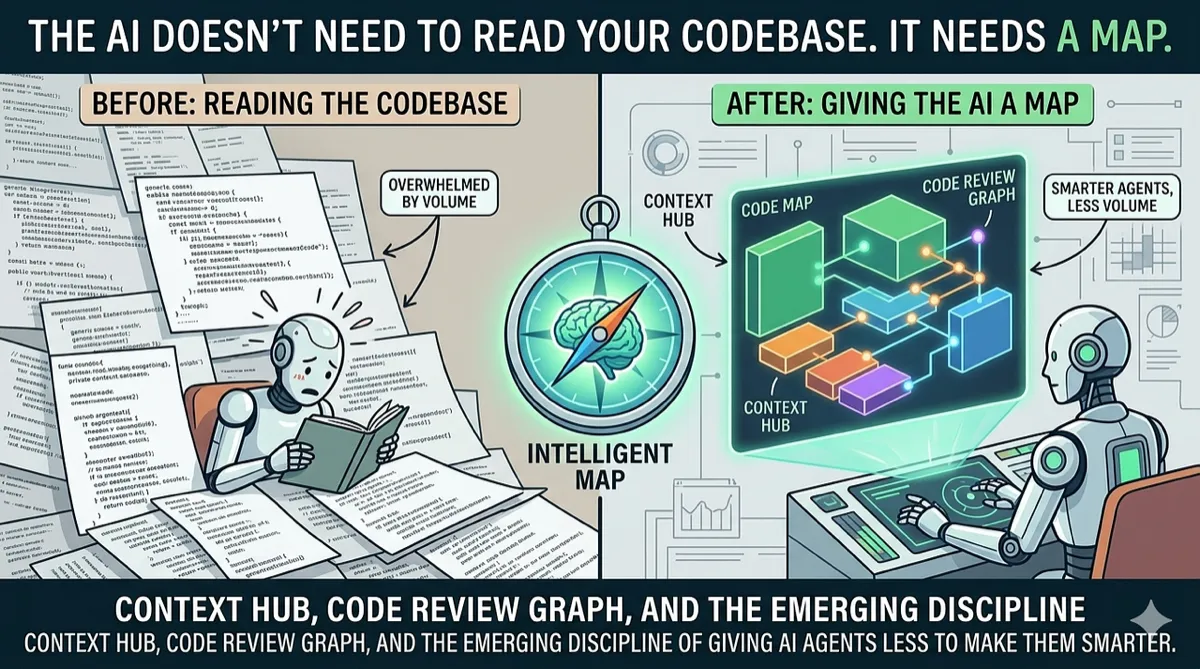
- The AI Doesn’t Need to Read Your Codebase. It Needs a Map. — how CLAUDE.md-style context files make agents more accurate
- Vibe Coding Is Great. Vibe Reviewing Is Terrifying. — why reviewing agent-written code is the new bottleneck
Disclaimer: This article is based on Claude Code’s public documentation and the author’s usage as of March 2026. The author has no affiliation with Anthropic beyond using their products. Token costs vary by usage pattern and model selection. Feature availability may differ between versions. “Agentic” capabilities depend on proper configuration and may require iteration to achieve desired results. Like all AI tools, output should be reviewed before committing to production codebases.
Comments
Loading comments...