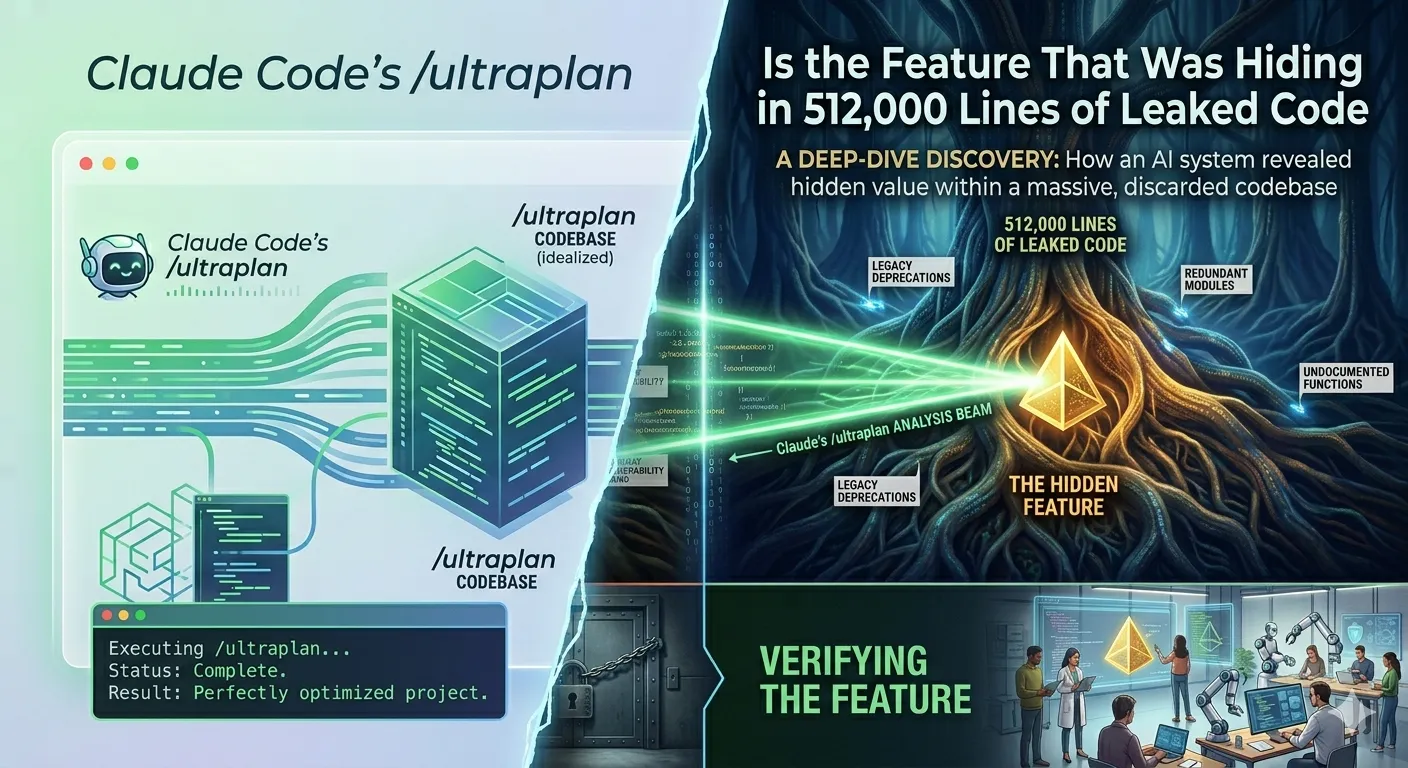
Claude Code’s /ultraplan Is the Feature That Was Hiding in 512,000 Lines of Leaked Code
Anthropic just shipped the first major feature that security researchers spotted weeks ago in its accidentally exposed source code. And it turns out the leaked description wasn’t hype — /ultraplan genuinely changes how you plan complex work.
Claude Code | Developer Tools | April 2026
~12 min read
The specific frustration ultraplan fixes
There’s a specific kind of frustration that every Claude Code user knows. You’re in the middle of something. You ask Claude to plan a refactor — a real one, across fifteen files, touching your auth layer, your database schema, and two downstream services. And then your terminal just… stops. Cursor blinking. Waiting. Nothing else you can do until the plan emerges.
For a two-file fix, that’s fine. For a service migration, it’s the kind of friction that quietly trains you to ask for smaller things than you actually need.
Ultraplan is Anthropic’s answer to that specific frustration. And the way it shipped — first spotted by security researchers in accidentally leaked source code, then quietly confirmed, then officially launched — makes it one of the more interesting feature debuts in Claude Code’s short history.
Status: Ultraplan is in research preview and requires Claude Code v2.1.91 or later. It requires a Claude Code on the web account and a connected GitHub repository. Not available when using Amazon Bedrock, Google Cloud Vertex AI, or Microsoft Foundry. Behavior may change based on user feedback during the preview period.
The backstory: it was hiding in plain sight
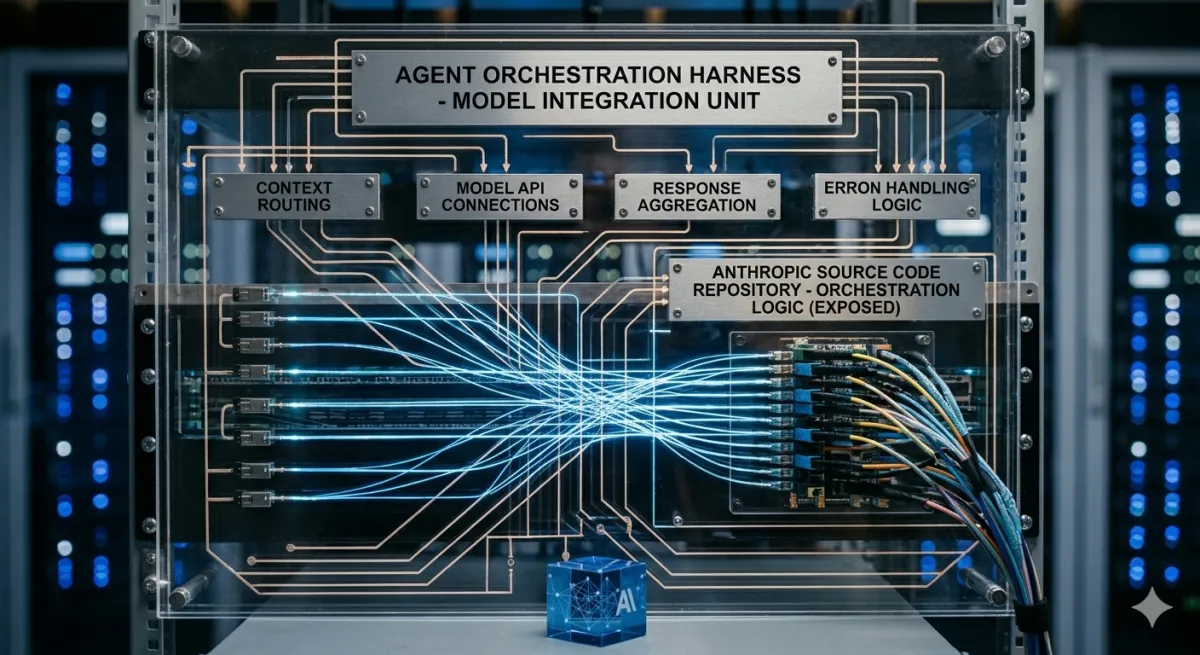
On March 31, 2026, a packaging error left Claude Code’s entire TypeScript source — 512,000 lines across nearly 1,900 files — publicly accessible in an npm package for a few hours before Anthropic removed it. Security researchers and developers archived it immediately. Within days, detailed breakdowns of what was inside were circulating across developer communities.
One of the most-discussed unreleased features was something called ULTRAPLAN. The leaked code described it precisely: a mode where Claude Code offloads a complex planning task to a remote cloud session, gives it up to 30 minutes to work, and lets you approve the result from your browser. Including a ULTRAPLAN_TELEPORT_LOCAL sentinel value that would “teleport” the plan back to your local terminal once approved.
The leak described it as a fundamental shift in how planning works — from a blocking operation that holds your terminal hostage to an asynchronous job running on Anthropic’s infrastructure while you get on with your life. The developer community immediately understood why this mattered.
Two weeks later, it shipped. Same architecture. Same teleport mechanic. Same browser review interface the code had described. As one analysis put it: “ULTRAPLAN has officially launched, making it the first of these three to ship publicly.” The other two features found in the same leak — KAIROS (a persistent cross-session memory daemon) and Coordinator Mode (multi-agent orchestration) — remain unreleased. Ultraplan got there first.
What it actually does, step by step
Ultraplan takes the planning phase of a coding task and hands it off to a Claude Code on the web session running in plan mode. The cloud session runs on Anthropic’s infrastructure with Opus 4.6 and has up to 30 minutes to research your codebase and draft the plan. Your local terminal polls for updates every 3 seconds, shows a status indicator, and otherwise stays completely free.
Here’s the complete workflow:
| Step | Action | Details |
|---|---|---|
| 1 | Trigger ultraplan from your terminal | Three ways: run /ultraplan followed by your task, include the word “ultraplan” anywhere in a normal prompt, or choose “Refine with Ultraplan” when Claude presents a local plan for approval |
| 2 | Go do something else | Your terminal shows a live status indicator. Claude is reading your codebase and drafting the plan in the cloud. Your prompt input is free |
| 3 | Review the plan in your browser | When the status changes to ultraplan ready, you open the session link. The plan appears in a dedicated review interface with inline comments, emoji reactions, and an outline sidebar |
| 4 | Iterate until it’s right | Leave inline comments on specific sections. Ask Claude to revise. The feedback is precise — you’re not hoping Claude re-reads your terminal response and understands which paragraph you meant |
| 5 | Choose where to execute | Run it in the cloud and open a pull request, or “teleport” it back to your terminal for local execution with full access to your environment |
The “Refine with Ultraplan” option is the smoothest path. It sends the existing local draft to the cloud as starting context rather than starting fresh.
The status indicators
While the cloud session is running, your terminal’s prompt area shows one of three states:
| Indicator | Meaning |
|---|---|
◇ ultraplan | Claude is actively researching your codebase and drafting. No action needed. Go do something else |
◇ ultraplan needs input | Claude has a clarifying question it can’t resolve without you. Open the session link and respond — otherwise the plan stalls |
◆ ultraplan ready | Plan is done. Open the browser link to review |
You can also run /tasks in your terminal at any time and select the ultraplan entry. This opens a detail view with the session link, a live feed of agent activity, and a Stop ultraplan action if you want to cancel.
Executing the plan: cloud or teleport?
This is the decision that determines the rest of your workflow. Both options have real cases where they’re the right choice.
Option A: Cloud execution — Claude implements the plan in the same web session where it was reviewed. Your terminal gets a confirmation, the status indicator clears, and the implementation runs in the cloud. When it finishes, you review the diff and open a pull request without touching your local environment. Good for changes that don’t need custom local tooling.
Option B: Teleport to terminal — The plan comes back to your terminal, the web session archives, and you choose: implement in the current conversation, start a fresh session with only the plan as context, or save the plan to a file and return to it later. Good for anything requiring your local environment, custom tools, or specific dependencies.
The three-way local choice matters. “Implement here” injects the plan into your current conversation — useful for continuity. “Start new session” clears everything and begins fresh with only the plan — better for large plans where a clean context matters. “Cancel” saves the plan to a file and prints the path — lets you return later or pass it to someone else.
The three variants hiding in the leaked source
The leaked source code revealed something interesting about how ultraplan actually works under the hood: it’s not a single system. There are at least three variants, apparently assigned through A/B testing:
| Variant | What it does |
|---|---|
simple_plan | No subagents. Claude explores the codebase directly with Glob, Grep, and Read tools, then produces the plan. Essentially regular plan mode running on cloud hardware — faster, but less thorough on very large codebases |
visual_plan | Same as simple_plan, but with a specific instruction to include Mermaid or ASCII diagrams for structural changes. Dependency order, data flow, the shape of a major refactor — visualized |
deep_plan | Spawns subagents. The cloud session delegates parallel exploration to specialist subagents and synthesizes their findings. More thorough on genuinely large codebases, but also more expensive and slower. The closest to the 30-minute maximum runtime |
Anthropic hasn’t documented these variants publicly. They were found in the leaked source. Your ultraplan session is assigned a variant automatically — you don’t choose. This explains why some users report ultraplan finishing in minutes and others describe it taking considerably longer for similar tasks.
What it’s actually good at — and where it falls short
The cases where ultraplan is clearly the right tool:
Service migrations — the canonical example from the docs is migrating an auth service from sessions to JWTs. This is exactly the kind of task where getting the plan wrong at step one cascades through everything downstream. You want a thorough plan. You want to be able to review it section by section. You want to push back on specific choices without re-running the whole thing.
Large-scale refactors — anything touching more than ten files, or where variable naming consistency and function cohesion need to hold across the whole change. A documented plan reduces the drift that AI coding assistants are prone to on long sessions.
When your terminal is genuinely busy — if you’re actively working on something else and don’t want to context-switch to watch a plan stream by, the async model is the right one. Queue the plan, do your other work, review when it’s ready.
Where it’s less suited:
Small, scoped tasks where the overhead isn’t worth it. The confirmation dialog, the cloud session startup, the browser review — that’s real friction for a task that would have taken 30 seconds locally. Local plan mode (Shift+Tab in Claude Code) exists for a reason.
Anything requiring custom local tooling that the cloud environment doesn’t have. The cloud session runs in a universal container. Setup scripts cover common dependencies, but custom package configurations or tools installed outside standard paths may not be available. If the plan executes in the cloud and hits a missing dependency, that’s a painful failure mode to debug remotely.
“The thing that moved me wasn’t the marketing. It was the first time I left an Ultraplan running, did half an hour of unrelated work in the same terminal, and came back to a plan I could actually review like a pull request.” — Steve Kinney, developer, April 7, 2026
The token cost question
The first thing most people ask: does ultraplan cost more? Anthropic engineer Thariq confirmed on X that ultraplan consumes roughly the same number of tokens as regular local plan mode. No separate pricing exists beyond your existing Claude Code subscription tier.
One caveat worth flagging: if you’re using the 1-million-token context window (available on higher tiers), planning tasks are exactly the workloads where that matters. A cloud session that can actually see your full codebase rather than a truncated slice produces a meaningfully better plan. If you’re on the Pro tier and hitting context limits on large-repo planning tasks, that math might start pointing toward upgrading — not because of ultraplan specifically, but because planning quality and context quality are directly linked.
Third-party harness change (April 4, 2026): On the same week ultraplan launched, Anthropic stopped covering “third-party harnesses” (external orchestration tools that authenticate against your Claude Code subscription) under flat subscription limits. If you’ve been running ultraplan-like workflows through OpenClaw or similar tools, that path is closing. The supported routes are discounted extra-usage bundles or a Claude API key through the Console.
The bigger picture: what this feature tells you
Ultraplan is a small workflow improvement that happens to be a signal about something larger. The architecture — offload heavy reasoning to the cloud, free the local tool, review asynchronously in a richer interface, execute wherever makes sense — is exactly the pattern the Claude Code team has been building toward.
The leaked source made the roadmap visible: ultraplan handles planning, Coordinator Mode handles multi-agent execution, KAIROS handles persistent memory across sessions. Ultraplan is the first of these to ship, and it shipped nearly exactly as the leaked code described. That alignment is worth noting. Anthropic built what the source code said it would build.
The “teleport back to terminal” mechanic — where you approve a plan in the browser and it warps into your waiting local session — is the detail that crystallizes the design philosophy. The terminal and the browser aren’t competing interfaces. They’re stages in the same workflow, and you move between them based on what each is good at. The browser is good for review. The terminal is good for execution with full local control. Ultraplan lets you use both for what they’re actually suited for.
“Ultraplan separates the planning phase from execution in AI-assisted development, turning terminal output into a cloud-based, reviewable artifact before any code changes.” — Mitch Ashley, VP at The Futurum Group, DevOps.com, April 8, 2026
How to get started
You need Claude Code v2.1.91 or later, a Claude Code on the web account (Pro, Max, Team, or Enterprise tier), and a GitHub repository connected. If those boxes are checked, ultraplan is available in preview right now.
The quickest way to try it: pick a real task you’ve been putting off because it felt too big to hand to Claude. Not a toy refactor. An actual migration or reorganization you know you need to do but haven’t because the planning overhead felt daunting. Run /ultraplan [your task]. Go make coffee. Come back to a reviewable plan in your browser.
If the plan is wrong, leave an inline comment on the specific section. Ask Claude to revise that part. The iteration loop is faster than you’d expect because the feedback is precise — you’re not hoping Claude re-reads your terminal response and understands which of twelve plan steps you were objecting to.
# Check your version
claude --version

# Update if needed
curl -fsSL https://claude.ai/install.sh | bash

# Try it
claude
/ultraplan migrate the auth service from sessions to JWTs
Related articles
- Claude Code Puts an AI Agent in Your Terminal — the full breakdown of the tool that houses ultraplan
- Claude Code Source Leak: 512K Lines Exposed — the incident that exposed ultraplan’s existence
- The Harness Is Everything — the philosophy of why planning matters in agent systems
- I Stopped Hitting Claude’s Limits — Here Are the 10 Things I Changed — practical tips for getting more from Claude
Recommended reading
If you’re building production systems with Claude and want to go deeper on the architecture decisions behind agentic coding tools, Designing Data-Intensive Applications by Martin Kleppmann remains the best foundation for understanding why async workflows, state management, and distributed execution patterns matter — whether you’re building data pipelines or reviewing AI-generated plans.
Sources: Official documentation at code.claude.com/docs/en/ultraplan, DevOps.com coverage (April 8, 2026), The Decoder coverage (April 9, 2026), Steve Kinney developer first-look (April 7, 2026), WaveSpeedAI leaked source breakdown, ClaudeFast.io ultraplan mechanics guide, aiproductivity.ai (April 4, 2026). The three ultraplan variants (simple_plan, visual_plan, deep_plan) were found in the March 2026 leaked source code and have not been officially documented by Anthropic. The token cost equivalency is from Anthropic engineer Thariq’s X post. Research preview features may change behavior or availability without notice.
This article reflects the author’s analysis of publicly available information. AI tooling evolves rapidly — verify current behavior in your own environment before making workflow decisions.
Comments
Loading comments...